
 Not in Hall of Fame News
Yes, we know that this is taking a while! As many of…
 Not in Hall of Fame News
2002 SEMI-FINAL RESULTS: Thank you for your participation in the Pro Football…
 Not in Hall of Fame News
Yes, we know that this is taking a while! As many of…
 Not in Hall of Fame News
We are diligently working away at Notinhalloffame on revising our Football lists…
 Not in Hall of Fame News
We are diligently working away at Notinhalloffame on revising our Football lists…
 Not in Hall of Fame News
We are diligently working away at Notinhalloffame on revising our Football lists…
 From the Desk of the Chairman
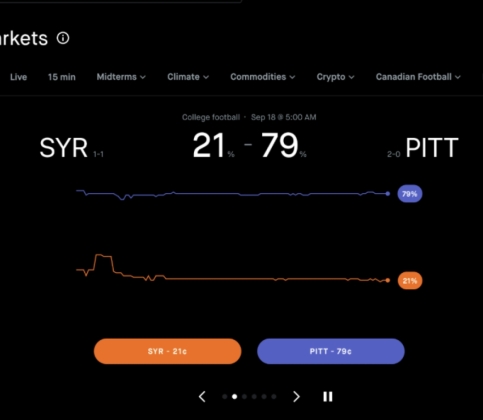
Sports fans thrive on calculating strategy, reading momentum, and maximizing every tactical…
 From the Desk of the Chairman
The 2026 NFL season is two weeks old and the division races…
 From the Desk of the Chairman
Sports communities are often built around things that have nothing to do…
 From the Desk of the Chairman
Every hall of fame eventually faces the same problem. The selection process…
 From the Desk of the Chairman
Pete Rose died in 2024. On May 13, 2025, Commissioner Rob Manfred…
 From the Desk of the Chairman
For NFL fans, game day offers much more than three hours of…





100 Active Potential Football Hall of Famers
-
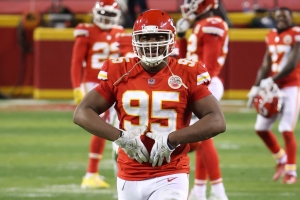 #19 Overall, Chris Jones, Kansas City Chiefs, Defensive Tackle, #8 Defensive Lineman/Linebacker: Pass Rusher2025 Pre-Season Rank #15, 2024 Pre-Season Rank #15, 2023 Pre-Season Rank #58, 2022 Pre-Season Rank #100. Peak Period 2020-24. When you think of…
 -
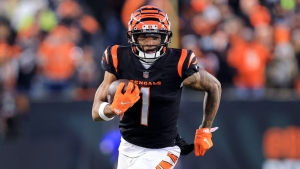 #42 Overall, Ja'Marr Chase, Cincinnati Bengals, #6 Wide Receiver2025 Pre-Season Rank #55, 2024 Pre-Season Rank #111, 2023 Pre-Season Rank #134, 2022 Pre-Season Rank #145. Peak Period: 2021-25* Ja’Marr Chase has been…
 -
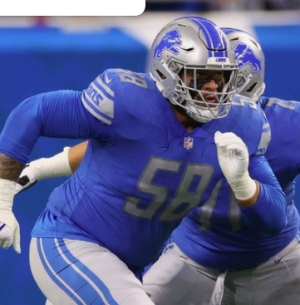 #38 Overall, Penei Sewell, Detroit Lions, Tackle, #4 Offensive Lineman2025 Pre-Season Rank #68, 2024: Pre-Season Rank: #121. Peak Period: 2021-25*Standing at 6'5” and 330 pounds, Penei Sewell can state that going into…
 -
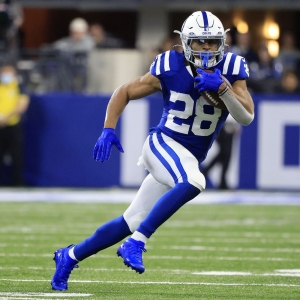 #47 Overall, Jonathan Taylor, Indianapolis Colts, #4 Running Back2025 Pre-Season Rank #70, 2024 Pre-Season Rank #98, 2023 Pre-Season Rank: #107, 2022 Pre-Season Rank #111. Peak Period: 2021-25 After a good rookie…
Visit the Fictitious Halls of Fame!


You May Also Like...
EDITOR’S CHOICE
 DDT's Pop Flies
When the veterans committee (VC), officially convening as the Contemporary Baseball Era…


 Live Music Head
Project/Objectan interview with André Cholmondeleyby Live Music HeadOriginally published at timessquare.com on…

LATEST RANKINGS

MOST POPULAR RANKINGS




Committee Chairman
135. Steve Kerr
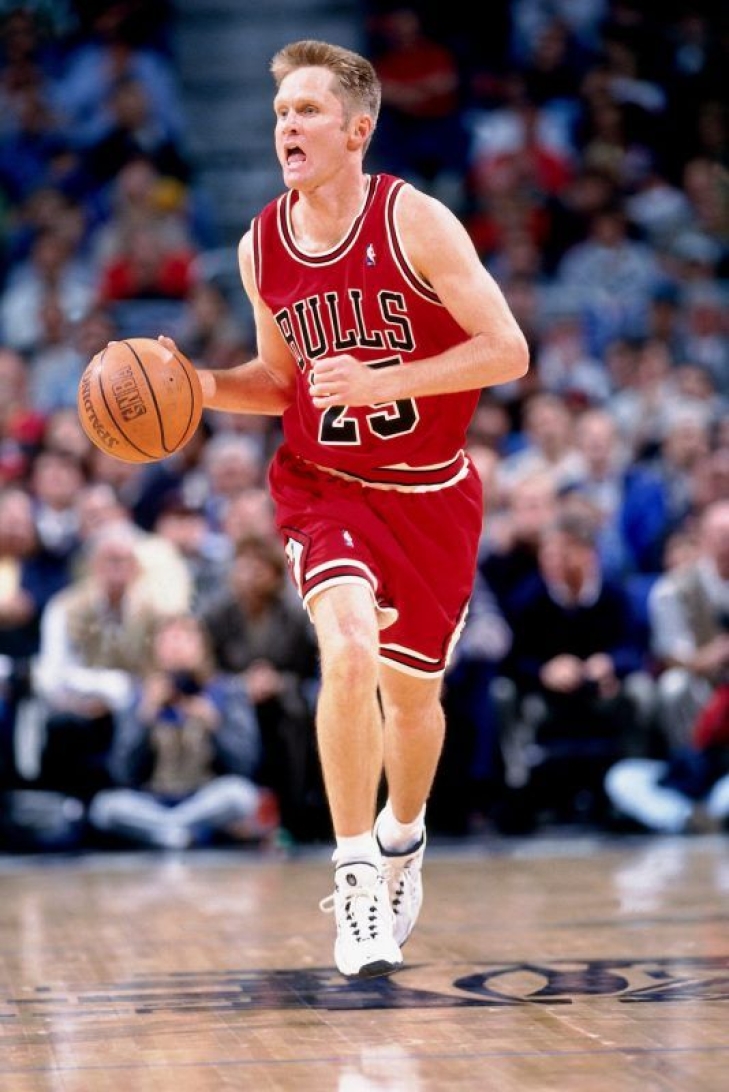
Steve Kerr will be a Hall of Fame lock…but that is as a Coach.
…and he should be.
As a Head Coach, Kerr captained the Golden State Warriors to four NBA Championships, was a two-time Coach of the Year, and was named to the top 15 NBA Coaches in NBA History. That places him in Hall of Fame air, but this list is about what you do as a player, and nobody understood his role better than Steve Kerr.
Kerr might be one of the greatest sharpshooters behind the arc of all time, and as of this writing, he holds the highest 3-point Field Goal Percentage ever, and in the right system, he was electric. Luckily for Kerr, he found that often, aiding Michael Jordan and the Chicago Bulls win their second three-peat and the San Antonio Spurs capture their first two titles.
Kerr’s high-end court vision, selfishness, and leadership made Kerr one of the most valuable teammates of the 1990s and early 2000s, and even though he was no superstar, he knew better than anyone how to work with them.
132. Don Otten
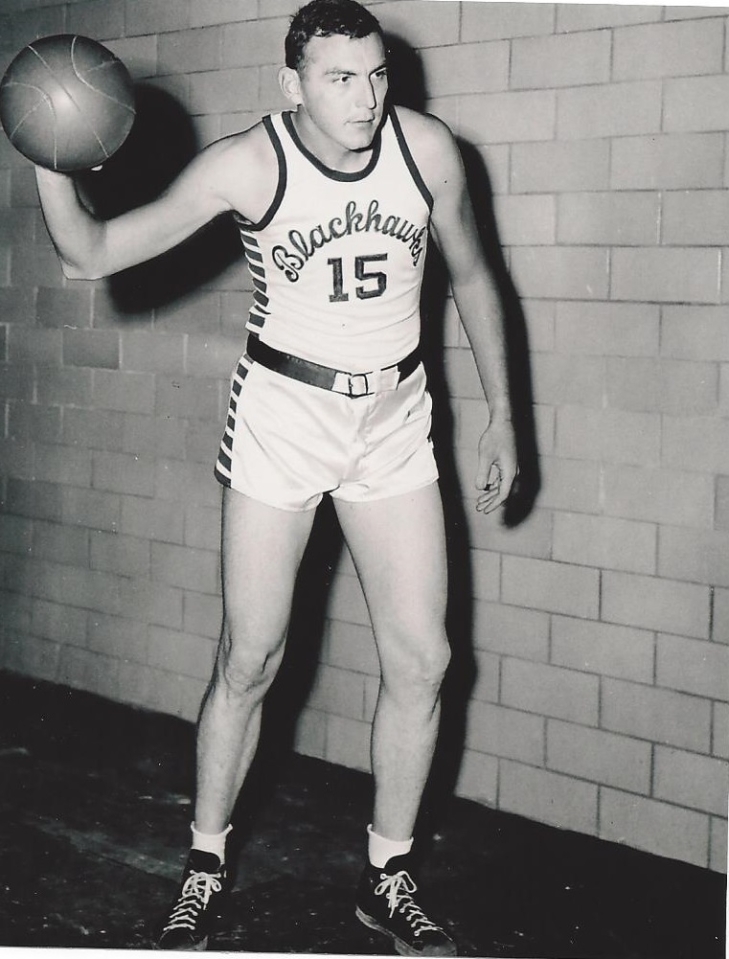
Don Otten’s career might seem pedestrian when you look at just the stats from Basketball Reference, but his Hall of Fame case is much stronger than at first glance.
A two-time All-American at Bowling Green, Otten turned pro with the Tri-Cities Blackhawks in 1946, where he was named the league MVP and scoring champion (14.0) in 1948-49, the last year of the NBL’s existence. The Blackhawks would join the NBA in 1949, but by this time, he was 28, and his skills were eroded year after year, though he was still a competent basketball player.
Had the records been more detailed, Otten might have entered the Hall years ago via the Veteran’s Committee.
Kemba Walker Retires
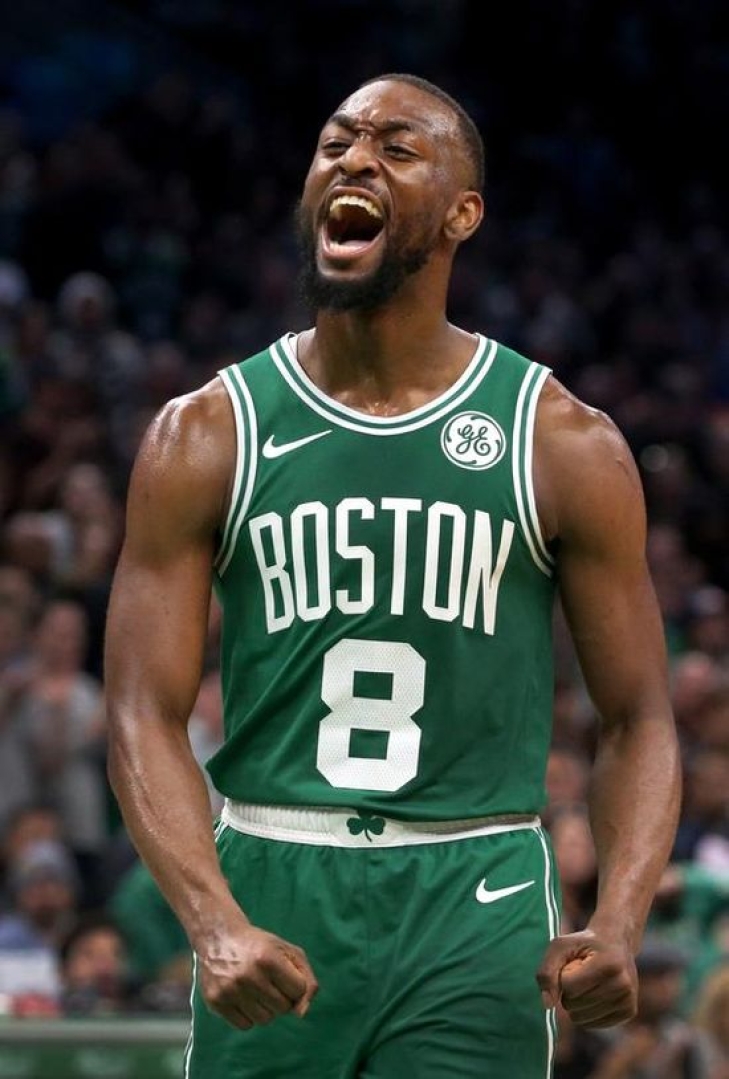
During the NBA free agency season, a significant player retired from the game of basketball. Kemba Walker, 34, announced his retirement.
Walker was a dominant force at UConn, leading the Huskies to a national championship in 2011, where he was named the Final Four Most Outstanding Player, the Big East Tournament MVP, and a consensus first team All-American. For his efforts, he was drafted by the Charlotte Bobcats (later Hornets) ninth overall in 2011, the team he remains most associated with.
Walker broke out in the 2015-16 campaign, where he was second in Most Improved Player of the Year voting and had his first of five straight 20-PPG seasons. He went to his first All-Star Game a year later and was named to that mid-season classic the next two years. This culminated in an All-NBA Third Team Selection in 2018-19, which was his best year in Basketball.
He joined the Boston Celtics as part of a sign-and-trade in 2019 and promptly had his fourth (and final) All-Star year, but knee problems began to rear its ugly head. Walker was traded to the Oklahoma City Thunder, where his contract was bought out. He finished his NBA run with a year in New York and nine Games in Dallas.
He concluded his career with one season with Monaco in the French League, where his squad won the league championship.
Walker is eligible for the Naismith Basketball Hall of Fame in 2028, though that might be a tough ask. Hopefully, the Hornets will acknowledge him in some capacity in the future.
We here at Notinhalloffame.com wish Kemba Walker the best in his post-playing career.
EKU names their 2024 Hall of Fame Class

Regular visitors of Notinhalloffame.com know that we are slowly working on the top 50 of every major team in the NHL, NBA, NFL, and MLB. Once that is done, we will examine how each team honors its past players, coaches, and executives. As such, it is important to us that Eastern Kentucky has announced the newest members of their Athletic Hall of Fame.
The Class consists of seven individual athletes and one team.
The new members will be:
Ole Hesselbjerg (Track/Cross Country 2011-15): From Denmark, Hesselbjerg won two Bronze Medals in the NCAA Outdoor Championships and was a three-time First Team All-American. He competed twice in the Olympics for his country.
Danny Hope (Football 1976-91, 2003-07, 2019, 2020-): Hope played for the Colonels as a Guard on their first National Championship Team and later would be their Head Coach, where he won an OVC Coach of the Year. He currently works for EKU in their development program.
Jacob Korir (Track/Cross Country, 2004-08): From Kenya, Korir was a five-time All-American (three in Cross Country and two in Track. He was second in the 5,000 M in the 2008 Outdoor Championship.
Sofie Levin (Women’s Golf, 2013-17): From Sweden, Levin was a four-time All-OVC Selection and took the Colonels to two OVC Titles.
Nick Mayo (Men’s Basketball, 2015-19): Mayo is the all-time scoring leader in school history with 2,316 Points and is a four-time All-OVC player.
Greg Stotelmyer (Broadcaster, 1979-present): Stotelmyer has been the prime play-by-play broadcaster for EKU athletics since 1979 and has covered over 2,200 athletic contests for the school.
Corey Walden (Men’s Basketball 2012-15): Walden was a two-time OVC Defensive Player of the Year and was the 2014 OVC Tournament MVP.
1973 Women’s Volleyball Team: The team went 26-4 and was undefeated in in-state competition.
We here at Notinhalloffame.com would like to congratulate the impending EKU Hall of Fame members.
